Twinkeep feature guide
Storage Pulse: an honest read on your disk
Storage Pulse is a straight capacity snapshot — total, used, free, and how much macOS is holding as purgeable space it can release on its own.
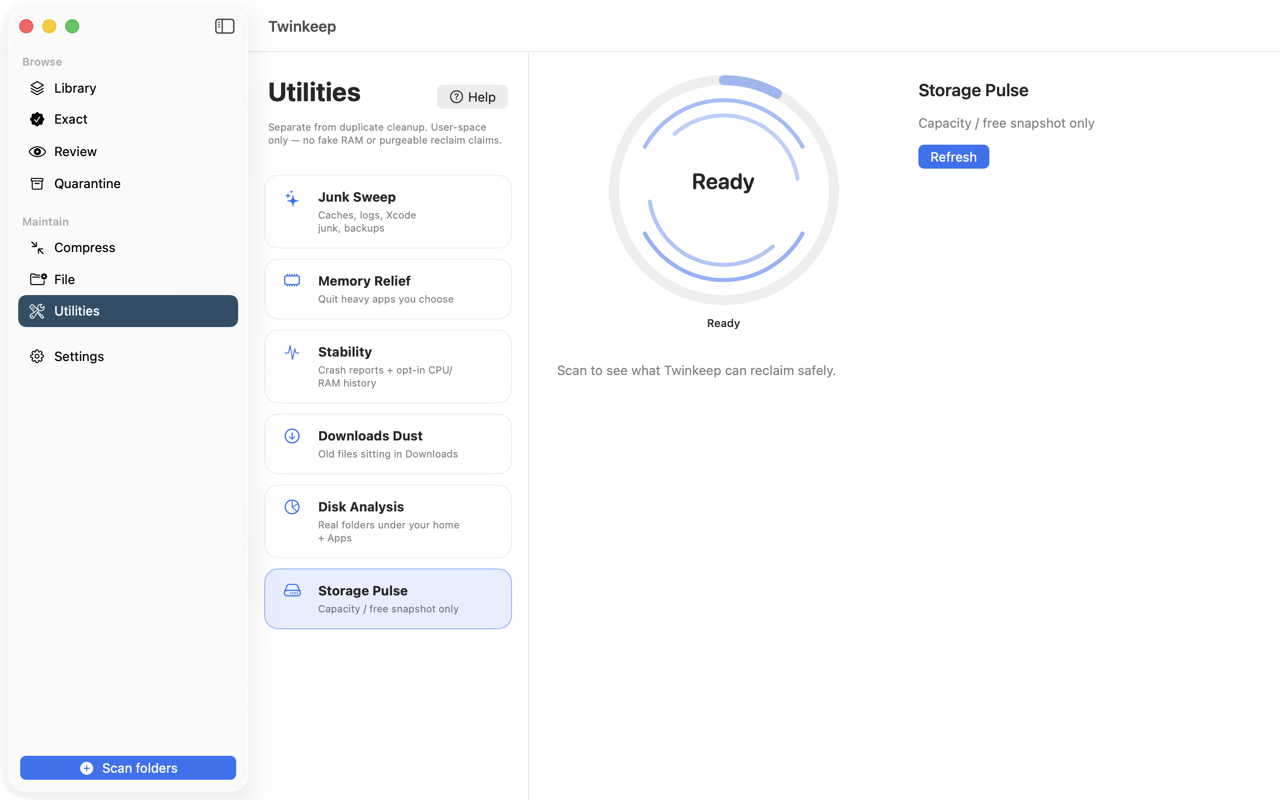
What it's for
Storage numbers on a Mac are confusing on purpose. Free space depends on who is asking: macOS reports one figure for urgent needs and a larger one that assumes it can purge caches and evict iCloud files first.
Storage Pulse shows both, and names the difference as macOS-managed rather than presenting it as space Twinkeep could free. It is read-only. There is no button here, because there is nothing here that a third-party app should be pressing.
How to use it
-
Open Utilities and choose Storage Pulse
No permissions needed and nothing to configure — it reads volume statistics for the disk your home folder lives on.
-
Scan
Instant. It queries the filesystem rather than walking it, so there is no waiting.
-
Read the four numbers
Total capacity, used, free, and the portion macOS is holding as purgeable — space it will release itself when something actually needs it.
Why two different free-space numbers exist
macOS reports available capacity two ways: for important usage, which is conservative, and for opportunistic usage, which assumes caches can be purged and iCloud files evicted. The gap between them is purgeable space.
Purgeable space is not yours to reclaim
Cleaner apps that claim to free purgeable space are, at best, forcing macOS to do something it would have done on demand. Twinkeep reports the figure and leaves it alone.
Where to go next
If free space is the problem, Disk Analysis tells you which folders are responsible, and Junk Sweep clears regenerable caches and build products.
Common questions
What is purgeable space on a Mac?
Space currently holding things macOS can discard if needed — caches, local snapshots, and iCloud files with copies in the cloud. It counts as used until macOS needs it, then it is released automatically.
Can Twinkeep free purgeable space?
No, and it will not pretend to. That space is managed by macOS and released when something needs it. Storage Pulse reports the number rather than claiming to act on it.
Why does Storage Pulse have no clean button?
Because there is nothing here it should press. It is a read-only snapshot. Junk Sweep and Downloads Dust are where Twinkeep actually reclaims space.
Try it on your own files
Twinkeep is a one-time $9.99 purchase — no subscription, no account, and nothing leaves your Mac. Requires macOS 13+.