Twinkeep feature guide
Memory Relief: see what is using your RAM
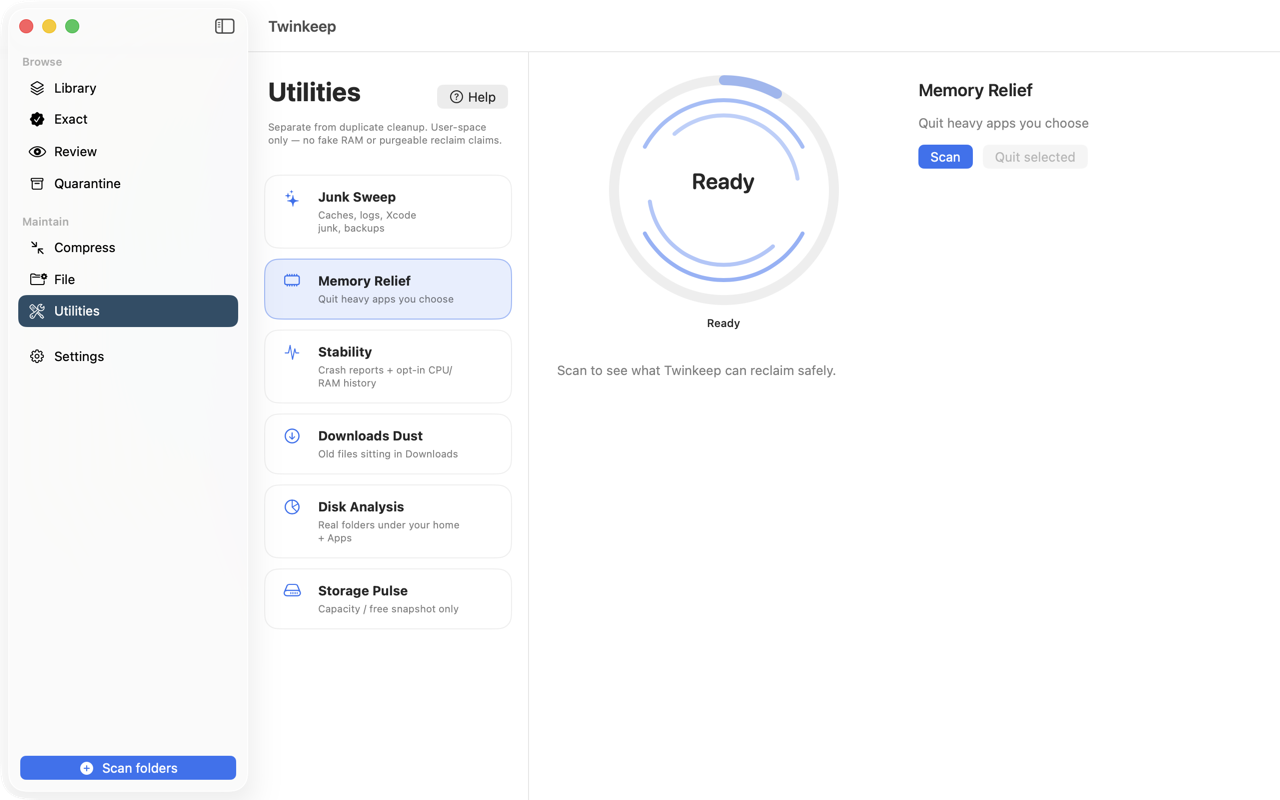
Memory Relief lists your running apps sorted by memory footprint and lets you quit the ones you choose. It asks apps to quit the way the Dock does — never force-quits — and reports only what actually closed.
What it's for
When a Mac feels heavy, the useful question is which app is responsible. Activity Monitor answers it, but buries it among hundreds of system processes you should not touch.
Memory Relief shows the apps you actually launched, sorted by resident memory, and lets you tick the ones to close.
It is worth being blunt about what this does and does not do. Quitting an app frees the memory that app was using. It is not a magic trick, no third-party app can compact or reclaim macOS's memory, and Twinkeep does not claim otherwise.
How to use it
-
Open Utilities and choose Memory Relief
Scan lists your running apps by resident memory, largest first. Twinkeep excludes itself and background system processes.
-
Look at the top of the list
Browsers with many tabs, design tools and simulators usually dominate. Sizes are approximate resident footprints — what the app currently holds in physical memory.
-
Tick what you want closed
Nothing is selected for you. You are choosing to close your own applications, which is not a decision to automate.
-
Quit selected
Twinkeep sends each app an ordinary quit request, exactly like choosing Quit from its menu. An app with unsaved changes will show its own save prompt and stay open — that is correct behaviour, not a failure.
-
Read the result honestly
Twinkeep reports how many apps actually closed and how many are still running. Only confirmed closures count toward the memory figure.
Twinkeep never force-quits
Quitting is a request an app can decline. Force-quitting loses unsaved work, so Twinkeep does not do it. If an app stays open because it is asking you about unsaved changes, that is the app protecting your work.
Only confirmed closures are counted
Twinkeep waits to see which apps actually exited before reporting anything freed. An app that put up a save dialog and stayed open is reported as still running, not counted as memory reclaimed.
Thermal state is not memory pressure
The thermal reading shown alongside the list is CPU heat, not memory pressure. It is included because a hot Mac and a slow Mac often feel identical, but they are different problems and Twinkeep labels them separately.
Common questions
Does quitting apps actually speed up my Mac?
It frees the memory those apps were holding, which helps if memory pressure was the problem. It is not a general-purpose speed-up, and any app claiming to free RAM by other means is overstating what is possible.
Will it close an app with unsaved work?
No. Twinkeep sends a normal quit request, so the app shows its own save prompt and stays open until you answer. It never force-quits.
Why does it say an app is still running after I quit it?
Because it is. Twinkeep verifies which apps actually exited rather than assuming the request succeeded, so the number it reports is the real one.
Can it free memory without closing anything?
No, and neither can anything else. macOS manages memory itself. Twinkeep shows you what is using it and closes what you choose.
Try it on your own files
Twinkeep is a one-time $9.99 purchase — no subscription, no account, and nothing leaves your Mac. Requires macOS 13+.