Twinkeep feature guide
Downloads Dust: the folder everyone forgets
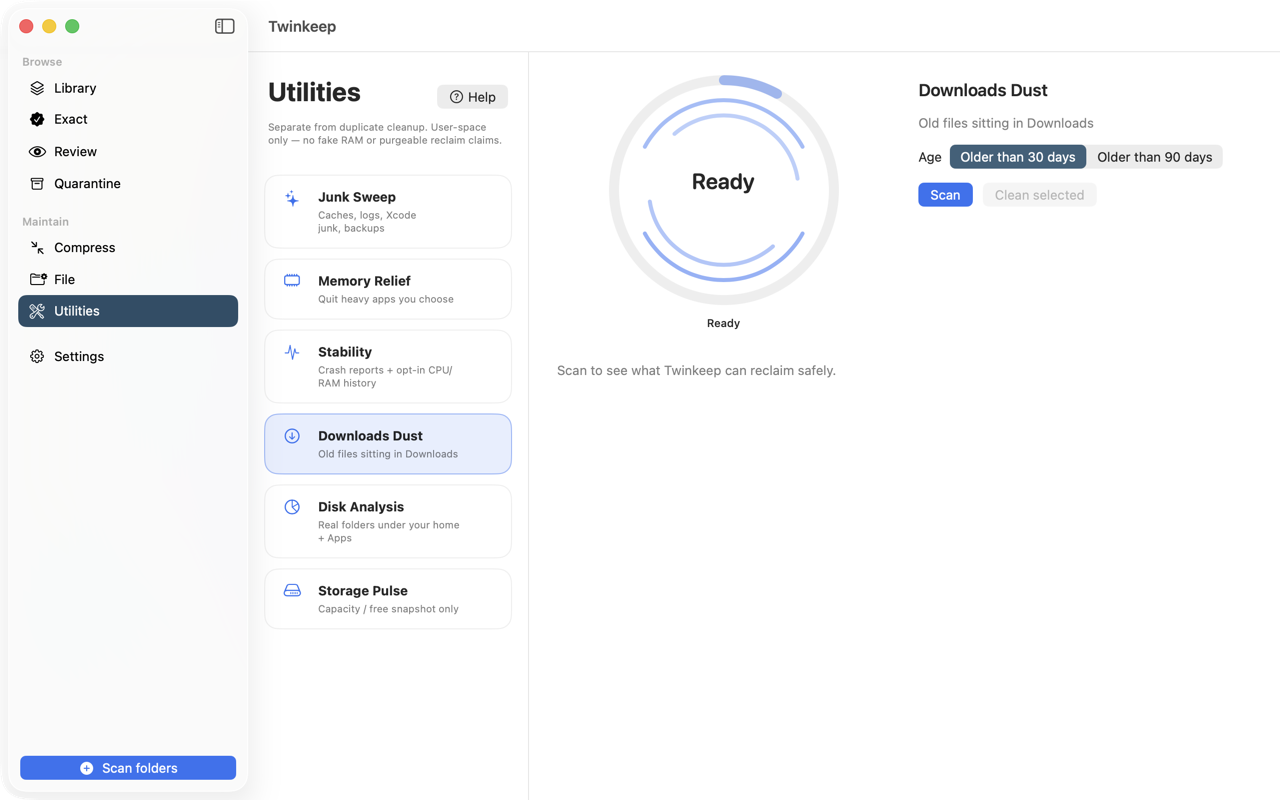
Downloads Dust lists what has been sitting in your Downloads folder longest, with sizes, so you can clear out installers and one-off files you downloaded once and never opened again.
What it's for
Downloads is where files go to be forgotten. Disk images for apps you installed a year ago, PDFs you opened once, archives you extracted and never deleted. It is quietly one of the largest folders on most Macs.
Downloads Dust lists what has been there longest, with sizes, so the decision is easy. Nothing is selected by default — this is your download history, and Twinkeep does not presume to know what matters.
How to use it
-
Open Utilities and choose Downloads Dust
Scan reads only your Downloads folder. On the App Store build it has permission for that folder specifically; nothing else is touched.
-
Pick an age
Older than 30 days or older than 90 days. Ninety is the gentler pass and catches the genuinely forgotten; thirty is more aggressive.
-
Sort by size
Sort largest first to find the disk images and archives doing the real damage. Twinkeep measures folders whole, so an extracted archive is counted as one item at its true size.
-
Select what you want gone
Nothing is pre-selected. Tick individual items, or use Select all once you have filtered to a set you are happy with.
-
Clean
Selected files move to the Trash — recoverable from Finder until you empty it.
How age is judged
By modification date, not download date, so a file you edited last week is treated as recent even if you downloaded it months ago.
Folders are measured whole
Extracted archives and app bundles are sized as complete folders, including hidden files, so a 2 GB extracted installer shows as 2 GB rather than as its visible contents.
Nothing is selected for you
Unlike Junk Sweep, where caches are regenerable, Downloads holds files that only exist here. Twinkeep lists and measures; the choice is entirely yours.
Common questions
Is it safe to delete everything in Downloads?
That is your call, which is why Twinkeep pre-selects nothing. Sort by size, look at what is actually there, and pick. Anything you remove goes to the Trash first.
Does it delete files I am still using?
Age is judged by modification date, so a file you have opened or edited recently is not flagged as old. And nothing is removed unless you tick it.
Why does it show a folder rather than the files inside it?
Extracted archives are treated as one item and sized whole, so you can remove an extracted installer in a single action rather than picking through its contents.
Try it on your own files
Twinkeep is a one-time $9.99 purchase — no subscription, no account, and nothing leaves your Mac. Requires macOS 13+.